PRISM Studio Overview
PRISM Studio is the frontend-first workflow for PRISM.
Use Studio when you want guided project setup, conversion, validation, and scoring in one place. Use CLI when you need automation or CI.
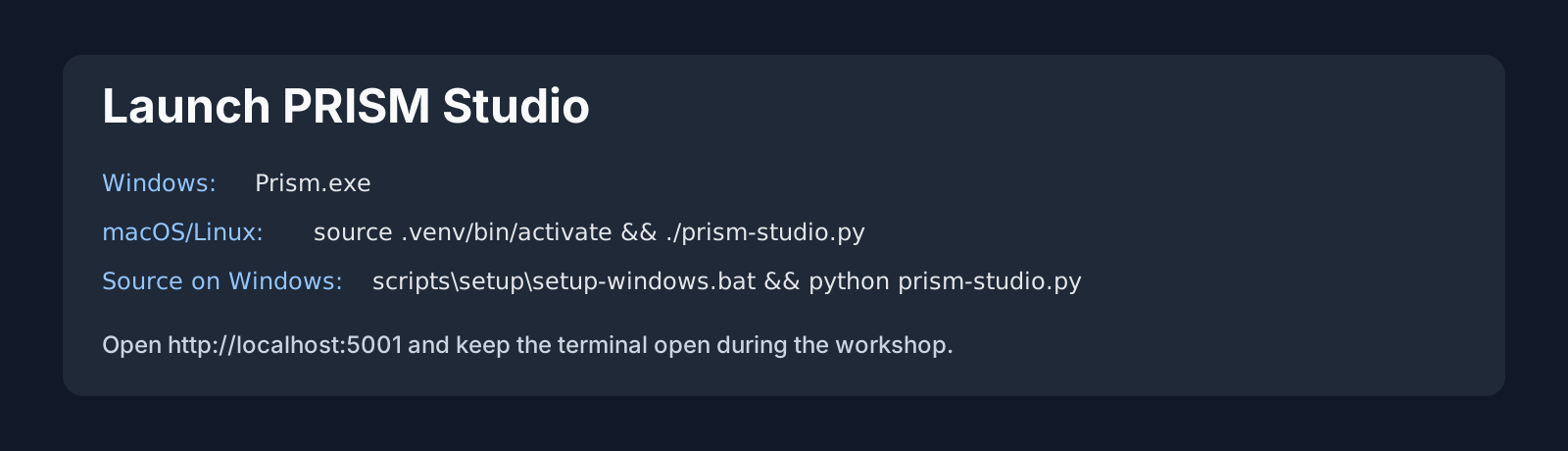
Start Studio
From repository root:
python prism-studio.py
Open http://localhost:5001 if your browser does not open automatically.
Workflow Map
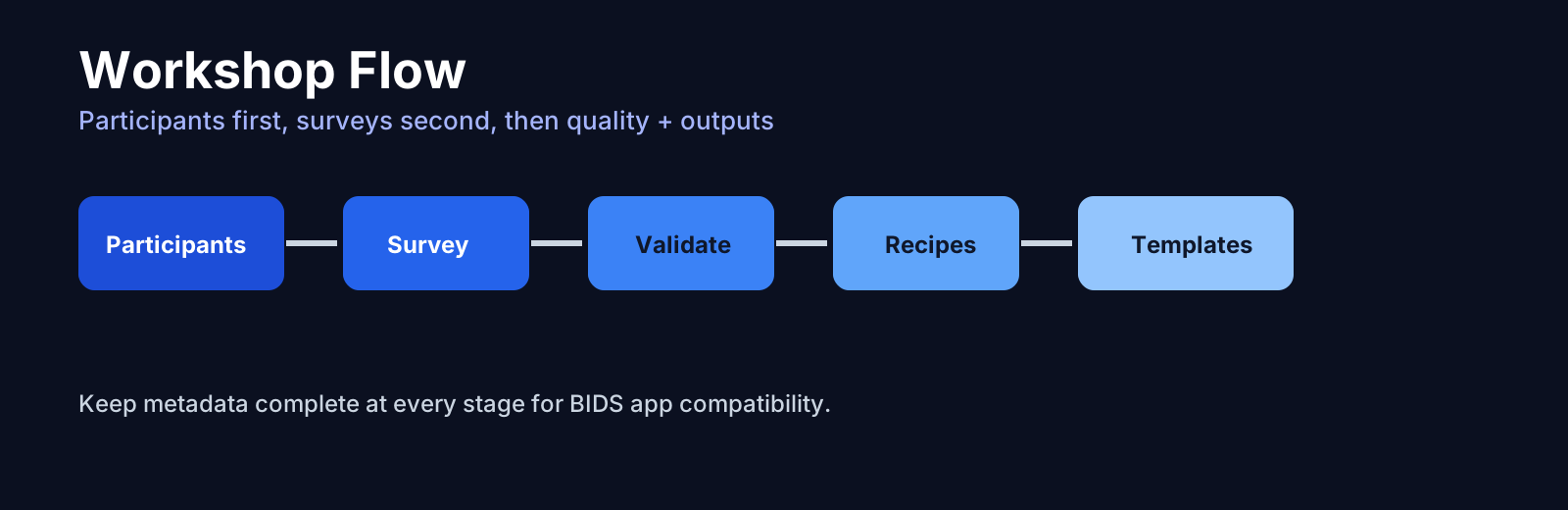
The recommended order is:
Create or open a project.
Import or convert data.
Run validation.
Fix issues and re-validate.
Run recipes and export outputs.
1) Create or Open a Project
UI path: Projects
Goal:
Create a clean research project structure.
Keep validation target and analysis outputs separated.
Expected structure:
project_name/
|-- dataset_description.json
|-- participants.tsv
|-- sub-001/
|-- code/
|-- analysis/
|-- project.json
`-- CITATION.cff
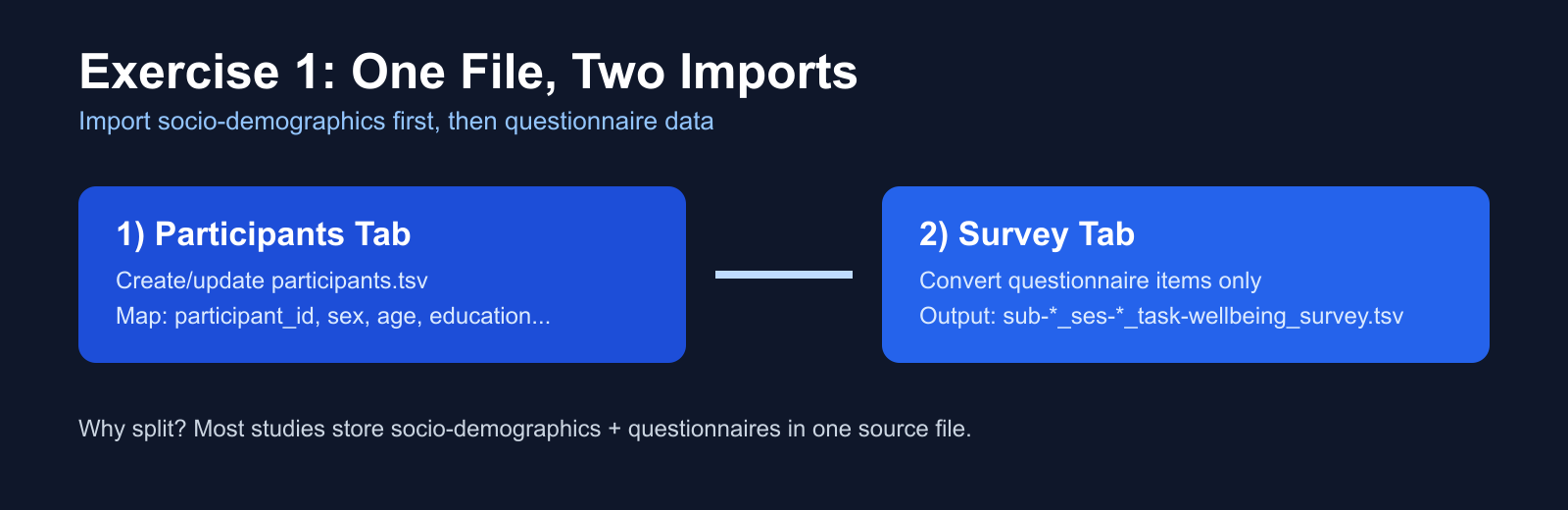
2) Convert and Import Data
UI path: Converter
Goal:
Convert source files (Excel/CSV/TSV/SPSS/LimeSurvey) into PRISM-compatible files.
Inputs:
Source data file(s)
Participant ID column
Item/data column mapping
Output:
Subject-level files in PRISM/BIDS-like folder structure.
Visual reference:
3) Validate the Dataset
UI path: Validator
Goal:
Detect filename, sidecar, and schema issues.
Optionally include BIDS validation.
Result levels:
Error: must fix
Warning: should fix
Suggestion: recommended improvement
What to do next:
Open issue details.
Apply fixes manually or with auto-fix when available.
Re-run validation until blocking errors are gone.
4) Tools for Metadata and Scoring
UI path: Tools
Main tools:
Template Editor: create/edit survey and biometrics templates.JSON Editor: edit sidecars and participant metadata.Recipes & Scoring: compute derivative variables and scores.File Management: organize and rename files safely.
5) Export and Report
After validation and scoring:
Export derivatives as needed.
Keep generated outputs in project analysis/derivatives paths.
Keep raw/primary data unchanged.
Frontend-First, Backend as Source of Truth
PRISM Studio UI is workflow UX. Validation and processing logic remains in backend modules.
If behavior is inconsistent, trust backend CLI validation as the canonical result:
python prism-validator /path/to/project_or_dataset --bids
Common Problems
Problem: Studio starts but page is blank.
Check terminal output for Flask errors.
Ensure virtual environment is activated.
Problem: Validation reports missing sidecar JSON.
Add matching
.jsonsidecar or place a valid inherited sidecar at higher dataset level.
Problem: Data imported but task/modality looks wrong.
Re-check converter mapping and filename patterns.
Re-run validation to confirm corrected structure.